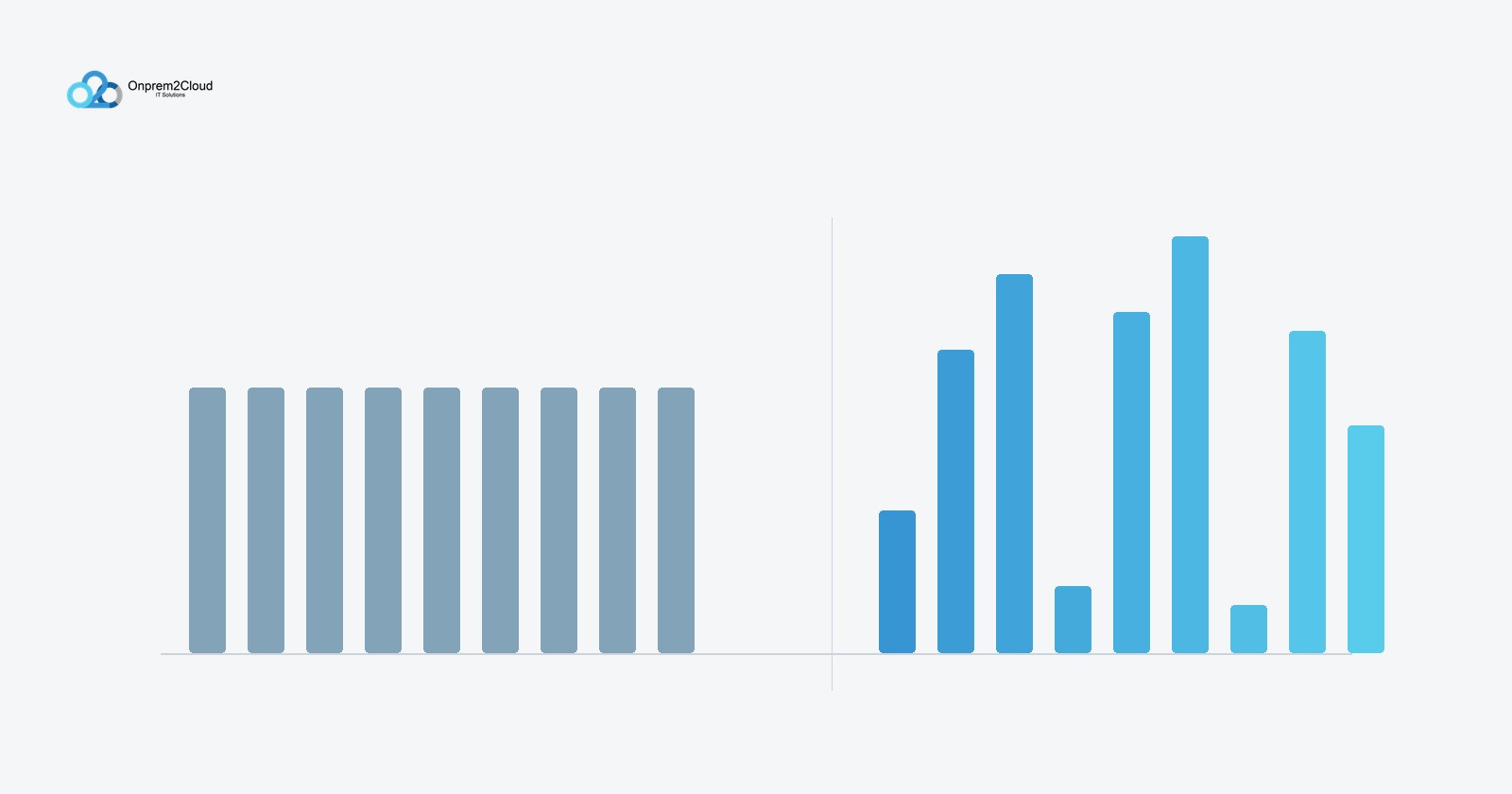
Choose Windows 365 if you want a fixed, predictable monthly cost per user and simple administration. Choose Azure Virtual Desktop if your users can share session hosts and you want to pay only for the infrastructure you actually run. Both give your staff a Windows desktop in the cloud. The difference is the pricing model — a flat subscription versus metered consumption — and that difference decides which one is cheaper for your specific team.
The short answer
Windows 365 is a fixed price per user per month, whatever the machine is doing. Azure Virtual Desktop bills the underlying Azure capacity you consume, with no seat price at all.
Windows 365 wins on predictability and simplicity. Azure Virtual Desktop wins on cost efficiency when users are steady and can be pooled onto shared session hosts. For a small office that wants a cloud desktop and does not want to think about capacity planning, Windows 365 is usually the right default. For a larger or denser workload, Azure Virtual Desktop is usually cheaper — if it is configured well.
Why the pricing models differ
This is the whole decision, so it is worth being precise.
Windows 365 sells a fixed-price Cloud PC per user, scaled by machine size (vCPU, RAM, storage). A seat that sits idle overnight costs exactly the same as one running all day. Every Cloud PC is single-user — one person, one machine.
Azure Virtual Desktop carries no per-seat price. You pay for the Azure virtual machines, storage and networking you run. Crucially, it supports multi-session Windows 11 Enterprise, where several users share one virtual machine. That density is the lever that lets Azure Virtual Desktop undercut a fixed per-seat cost — and it is the thing Windows 365 cannot do.
The licensing prerequisite most buyers miss
Before comparing prices, check one thing: your users' existing licences.
If your staff already hold a qualifying licence — Microsoft 365 Business Premium, E3 or E5, or Windows Enterprise E3/E5 — then Azure Virtual Desktop user access is included at no extra per-user charge. You pay only for the Azure infrastructure underneath. Most organisations running Microsoft 365 already meet this.
If your users do not hold an entitling licence, Azure Virtual Desktop becomes structurally more expensive, because you pay a per-user access fee on top of the infrastructure. In that situation Windows 365 often becomes the more sensible choice.
So the first question is not "which is cheaper" — it is "what do our users already own."
Where Windows 365 is the better choice
Windows 365 suits organisations that value predictability over optimisation. It is the stronger option when:
- You want one fixed number per user on the invoice, every month, with no capacity planning
- Your users need dedicated, always-on desktops rather than shared sessions
- You have a small IT team, or none, and want the simplest possible administration
- Your headcount is modest enough that infrastructure tuning would not repay the effort
The trade-off is that you pay the same whether a machine runs all day or sits idle, and you cannot pool users to drive the cost down.
Where Azure Virtual Desktop is the better choice
Azure Virtual Desktop suits organisations that can trade some administrative effort for lower per-user cost. It is the stronger option when:
- Your users can share session hosts — office and task workers who do not each need a dedicated machine
- Usage is variable, so auto-scaling can shut capacity down outside working hours
- You have the skills, in-house or through a partner, to size and tune the infrastructure
- You are deploying at enough scale that density savings are material
The trade-off is that the bill moves with what you run, which makes budgeting harder and rewards careful capacity planning. Get the configuration wrong and Azure Virtual Desktop can end up more expensive than Windows 365, not less.
The four choices that decide your Azure Virtual Desktop bill
If you go the Azure Virtual Desktop route, four decisions determine whether the per-user cost lands low or high:
- Session density. How many concurrent users you place on each session host. Higher density means lower per-user cost. Light office users pack far more densely than power users running heavy applications.
- Reserved instances. Committing to one-year or three-year Azure Reserved VM Instances can cut compute cost substantially versus pay-as-you-go. For steady workloads this is one of the largest single savings available.
- Auto-scaling. Shutting session hosts down outside working hours, so you stop paying for capacity nobody is using overnight or at weekends.
- Storage and profile design. FSLogix profile containers and the storage tier behind them affect both performance and cost, and are easy to over-provision.
These four are where a Cloud Solution Provider earns their place — the desktop deploys in minutes, but the cost optimisation is where the real money is won or lost.
A note on the 2026 pricing shift
The gap between the two narrowed in 2026. Windows 365 Business reduced its list price, which made it more competitive against a comparably sized Azure Virtual Desktop instance for dedicated, always-on use. This does not overturn the general rule — pooled, poolable users still favour Azure Virtual Desktop on density — but it does mean the fixed-price option is more attractive than it was for single-user, always-on scenarios. Run the numbers on current pricing rather than on last year's assumptions.
One infrastructure detail worth flagging: reserved-instance extensions for several older Azure VM series expire through 2026, after which those workloads revert to pay-as-you-go rates. If you are already running Azure Virtual Desktop on older VM series, check your reservation status so costs do not quietly rise.
A decision framework
Work through these in order.
- Do your users already hold Microsoft 365 Business Premium, E3 or E5? If no, Windows 365 is likely cheaper. If yes, continue.
- Do users need dedicated always-on desktops, or can they share session hosts? Dedicated leans Windows 365; poolable leans Azure Virtual Desktop.
- Do you have the capacity to size and tune Azure infrastructure, in-house or via a partner? If no, Windows 365's simplicity is worth paying for.
- Is predictable monthly cost more important than the lowest possible cost? If yes, Windows 365. If lowest cost matters more and you can manage the complexity, Azure Virtual Desktop.
Frequently asked questions
What is the main difference between Azure Virtual Desktop and Windows 365?
Pricing model. Windows 365 is a fixed monthly fee per user, scaled by machine size. Azure Virtual Desktop bills the Azure infrastructure you consume, with no per-seat price, and supports multiple users sharing one virtual machine. Windows 365 is more predictable; Azure Virtual Desktop is more cost-efficient for poolable, steady workloads.
Do we need special licences to use Azure Virtual Desktop?
For internal staff, Azure Virtual Desktop user access is included at no extra per-user cost if they already hold a qualifying licence such as Microsoft 365 Business Premium, E3 or E5, or Windows Enterprise E3/E5. Without an entitling licence you pay a per-user access fee on top of infrastructure, which usually makes Windows 365 the better value.
Which is cheaper?
It depends on how poolable your users are. For office and task workers who can share session hosts, Azure Virtual Desktop is usually cheaper because density spreads the infrastructure cost across many users. For a small number of users each needing a dedicated always-on desktop, Windows 365's fixed price is often lower and always more predictable.
Can we run both?
Yes, and many organisations do. A common pattern is Windows 365 for executives and specialists who need a dedicated machine, and Azure Virtual Desktop for pooled office staff. The two coexist in the same Microsoft environment.
Is Azure Virtual Desktop hard to manage?
The desktop provisions quickly. The effort is in capacity sizing, auto-scaling, profile design and — importantly — the security configuration: conditional access, identity protection and device compliance. This is where most organisations underestimate the work, and where a partner adds the most value.
Getting the decision right
Onprem2Cloud IT Solutions Co. is a Microsoft Cloud Solution Provider based in Muntinlupa City, serving businesses and government agencies across the Philippines. We can review your users' existing licences, model Azure Virtual Desktop against Windows 365 for your actual workload, and — if Azure Virtual Desktop is the right fit — size and tune the infrastructure so the per-user cost lands where it should. Get in touch to talk through your requirements.