July 29, 2026
Microsoft 365 Business Standard vs Business Premium: Which to Buy Under a CSP
Compare Microsoft 365 Business Standard and Business Premium for Philippine organisations: security, device management, Teams options and CSP buying terms.

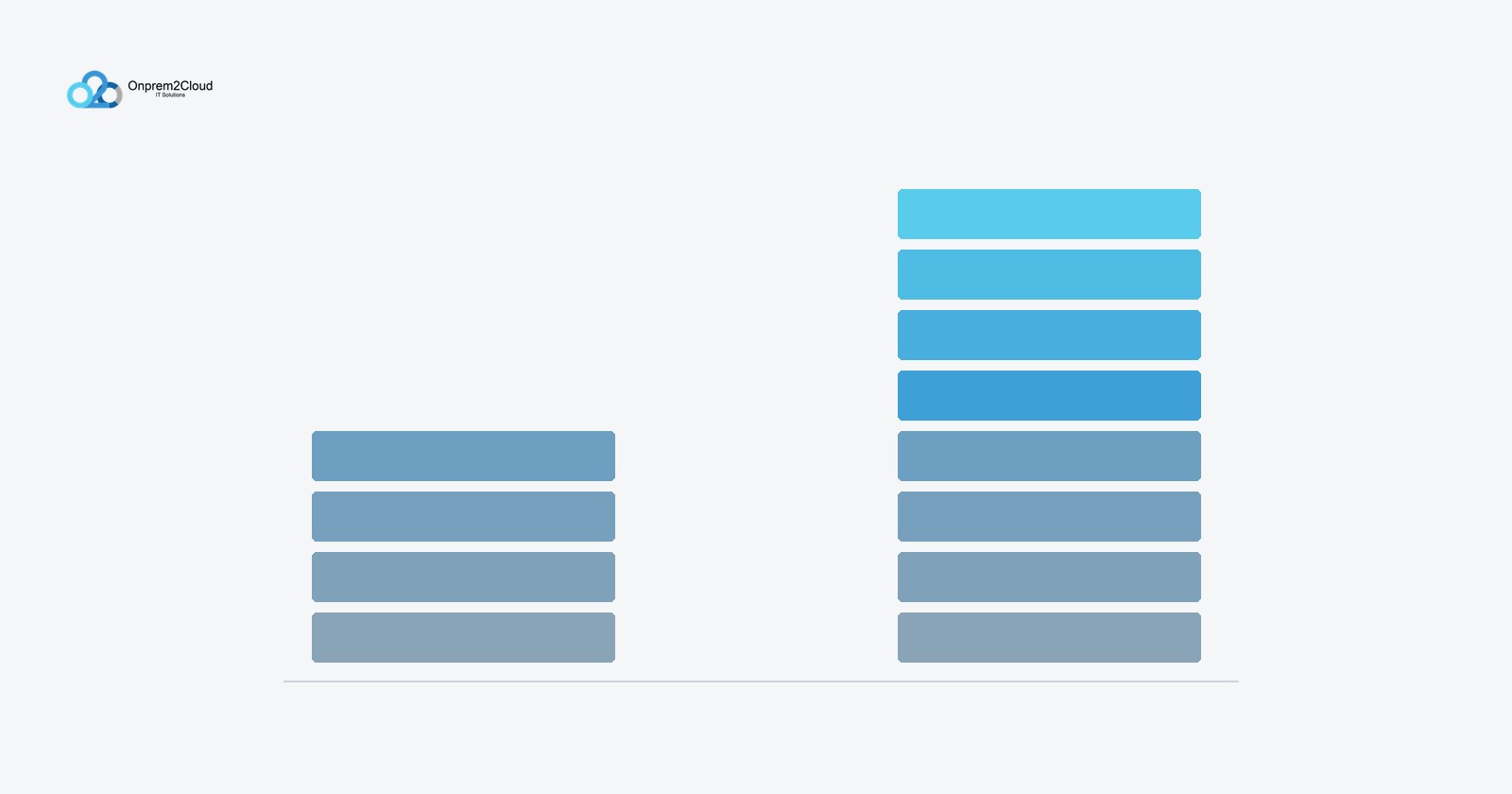
Buy Business Premium if you manage company laptops or handle personal data. Buy Business Standard if you mainly need email and Office apps. That single distinction settles most cases. The difference between the two plans is not productivity features — those are identical — it is security and device management, and whether you need them depends on how your staff actually work.
Business Standard gives you the full Office suite, business email and cloud storage. Business Premium gives you all of that plus identity protection, device management and threat protection.
If your staff use company-owned laptops that leave the office, or your organisation holds customer or employee personal data, Premium is the correct choice. If your team works on desktops in one office and you have no compliance obligations, Standard is usually enough.
Everything in this list is identical across both plans, so it should not influence your decision:
That 300-seat limit matters for planning. If you expect to pass 300 users, you will eventually move to an Enterprise plan, and it is worth knowing that before you build processes around Business licensing.
Premium layers four categories of capability on top of Standard:
Premium also carries Windows 11 Business upgrade rights and Windows Autopilot, which lets a new laptop configure itself from the cloud on first boot without IT touching it.
Standard is the right choice more often than vendors admit. It is sufficient when:
That last point is underrated. Premium's value comes from configuration, not from purchase. An organisation that buys Premium and never sets up conditional access or device compliance has paid for capability it is not using.
Premium becomes the correct answer when any of these are true:
Both plans can coexist in a single tenant, and mixing is often the most sensible spend. A common pattern is Premium for executives, finance, HR and anyone with administrative access, and Standard for staff who work on fixed office desktops.
The catch is that entitlements follow the user, not the tenant. Conditional access policies and Intune enrolment apply only to users who hold a Premium licence. A Standard-licensed user sits outside those protections entirely.
This matters when you plan: decide which people need protection, license those people, and do not assume a policy you configured once covers everybody.
Since Microsoft's global licensing realignment, Business plans are sold in two versions — with Teams and without. Small and medium business customers can choose either, and the versions without Teams are priced lower.
If your organisation standardised on Zoom or Google Meet and has no plan to move, the no-Teams version is a legitimate saving. If you use Teams at all, or expect to, take the bundled version — buying Teams separately afterwards costs more than having it included.
Note that academic, nonprofit and government-specific SKUs were not affected by this change.
Two mechanics affect what you actually pay and how much flexibility you keep:
Buying through a local CSP partner also means peso invoicing, a local point of contact for support escalation, and — for government buyers — a supplier who can respond to BAC clarifications within the required window.
The productivity apps are identical. Premium adds security and device management: Microsoft Intune for device control, Entra ID P1 for conditional access, Defender for Office 365 for email threat protection, and Defender for Business for endpoint detection and response.
Yes. Both can coexist and licences are assigned per user. Be aware that conditional access and Intune management apply only to users holding a Premium licence, so plan coverage by person rather than assuming tenant-wide protection.
It depends which version you buy. Business plans are now sold both with and without Teams, and small and medium business customers can choose either. The no-Teams versions cost less. Academic, nonprofit and government SKUs were not affected by the change.
Yes, 300 seats for both Business Standard and Business Premium. Organisations expecting to exceed that will need to move to an Enterprise plan such as Microsoft 365 E3.
Yes. Upgrading mid-term is straightforward and users keep their mailboxes, files and settings. The new capabilities become available once the licence is assigned, though Intune and conditional access still require configuration before they take effect.
Onprem2Cloud IT Solutions Co. is a Microsoft Cloud Solution Provider based in Muntinlupa City, serving businesses and government agencies across the Philippines. We can review how your staff actually work, recommend a licence mix rather than a blanket plan, and provide a quotation suitable for PhilGEPS posting. Get in touch to discuss your requirements.
Our latest news and trending topics